Krea 2 · ComfyUI · Pixel Art Studio for Unity
Pixel-Art-Pipeline
Pixel-art character and prop designs from a text prompt, made locally with Krea 2 Turbo and a pixel-art LoRA in ComfyUI, then layered, rigged and animated in Pixel Art Studio, the Unity plugin. It is the pipeline the Pixel Art Studio trailer cast and the two scenes below were designed with.
Install in one line
curl -fsSL https://raw.githubusercontent.com/HardcoreBudget/Pixel-Art-Pipeline/main/install.sh | bashirm https://raw.githubusercontent.com/HardcoreBudget/Pixel-Art-Pipeline/main/install.ps1 | iexThe installer clones ComfyUI and the ComfyUI-GGUF node at tested commits, makes a Python venv, downloads the six model files (about 13 GB) and checks each SHA-256, and asks before installing the two Claude Code skills. Tested on Linux. Read each model's licence before you download it: the Krea 2 Community License allows commercial use only under US$1M annual revenue. Details, requirements and every licence are in the README.
python scripts/krea.py "a young farmer with a straw hat, a plaid shirt and a tin watering can" --name farmer --pixel 64How it works
Design
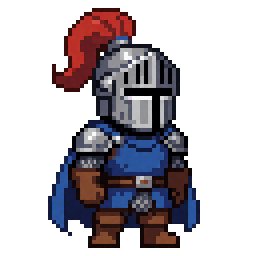
scripts/krea.pyasks Krea 2 Turbo with the 64-grid pixel LoRA for one design: one art pixel per 16 px block. About 7 minutes on a 4 GB GPU.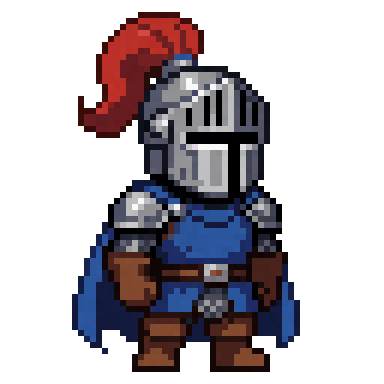
Snap to the grid
The background is removed and the picture is snapped to its grid, then imported into the plugin with the palette matched in Lab.

Peel and rig
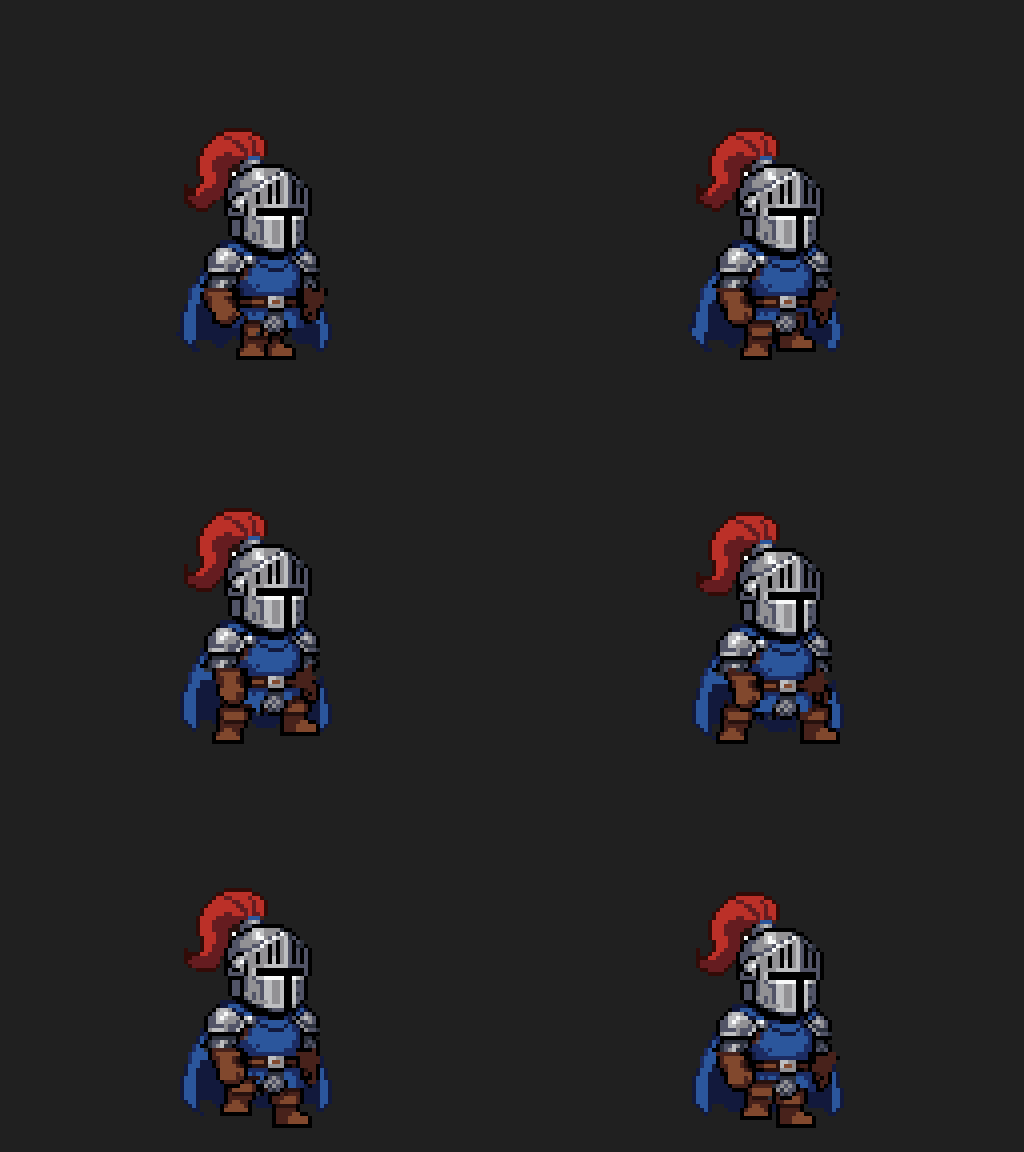
Pixel Art Studio peels the design into layers, fills what each piece hides and proves the stack still equals the design.
Animate
Pieces turn about their joints, frame by frame, by hand or by an agent through the plugin's verbs. The
pixel-sceneskill holds the method.
Showcases
Every character below started as one Krea 2 design. Everything after it, every frame, tile and effect, was drawn at pixel level and built into real Pixel Art Studio documents.
Trailer breakdown
Pixel Art Studio
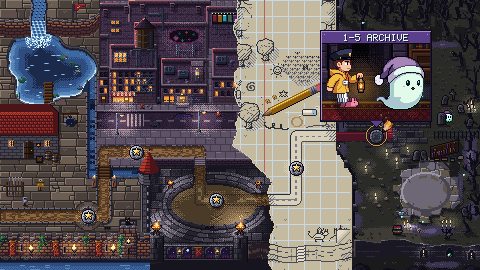
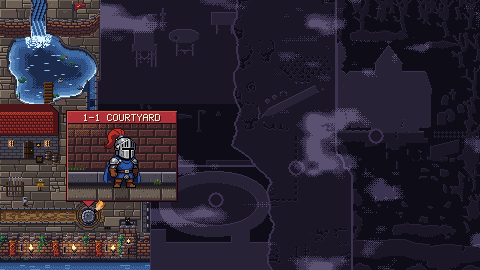
The plugin's trailers, from 1.x retro stages to 2.0 modular rigs and the new 3.0 HD-2D village and boss fight, built into real .pas documents through the plugin's verbs.
Top-down action
Office Chase
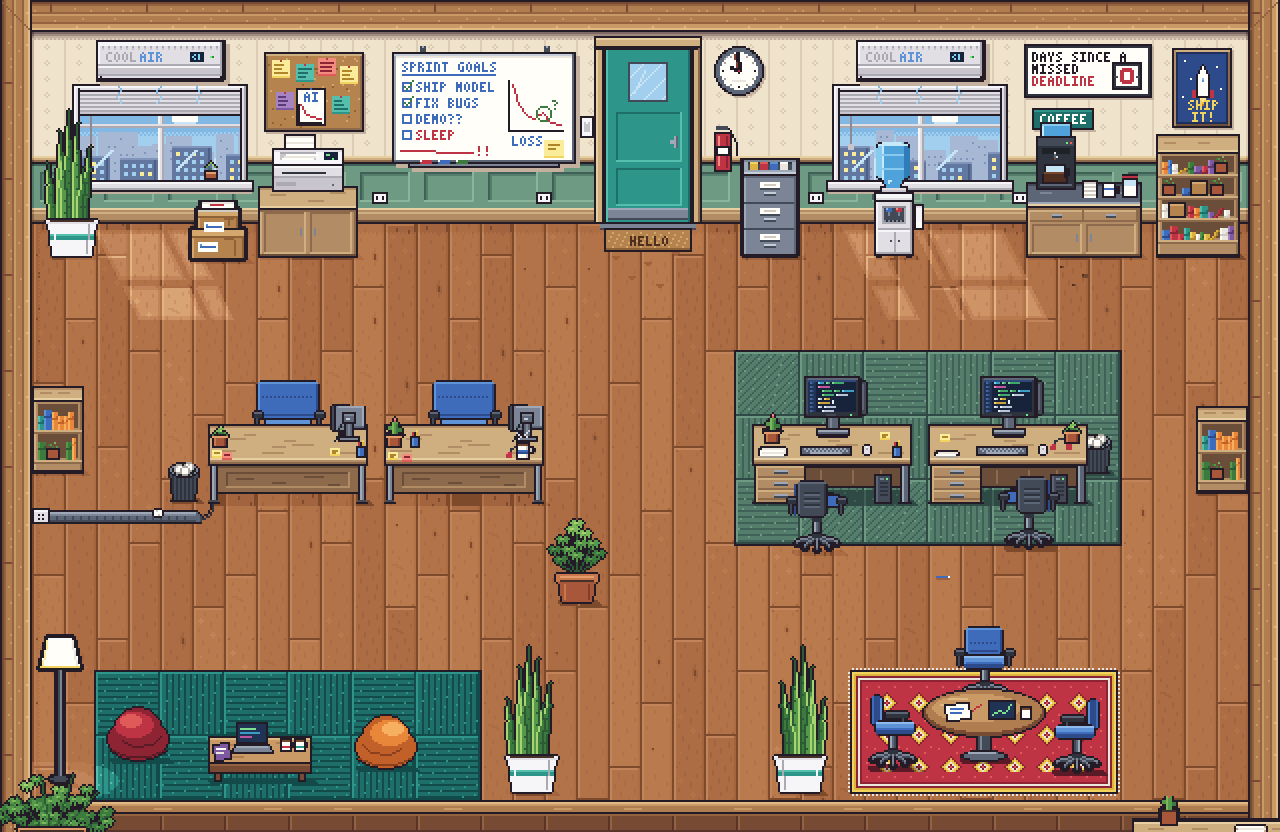
A fast-paced corporate chase through a furnished cubicle floor: destructible furniture, ambient animated loops, and character pathing.
66 s · 3,958 frames · 6 destructibles · 60 fpsOpen the chase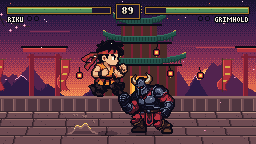
Fighting scene
Ashen Peak
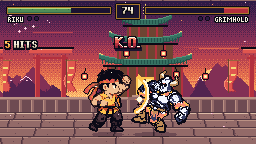
A one-round arcade fight on a temple court at dusk: a quick monk against an armoured giant, a parallax stage, a fighting HUD.
137 frames · 28 moves · 0 pinholes · source includedOpen the fight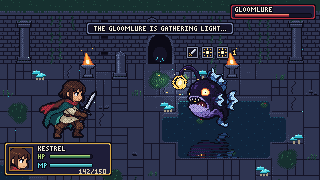
Turn-based battle
The Drowned Shrine
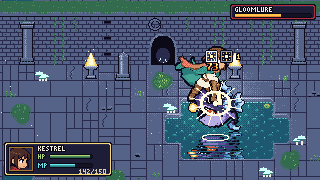
A looping battle in a flooded shrine at night: a swordswoman against a floating anglerfish spirit, with tiles, lighting, effects and UI.
336 ticks · 91 tiles · 4 plugin files · source includedOpen the battleBoth scenes rebuild from this repository with no GPU, frame for frame: see scenes/.
Pixel Art Studio for Unity
The layering, rigging and animation happen in Pixel Art Studio, a pixel-art editor inside the Unity Editor: layers,
indexed palettes and ramps, animation and tags, tiles, rigs and poses, and a scripting surface that agents drive.
Its user manual ships inside the package
(Assets/PixelArtStudio/Documentation/PixelArtStudio-Manual.pdf), and chapter 25, "Designs from a
prompt", walks through this pipeline.
Watch on YouTube
The pages play small copies. The full-size videos are on YouTube.